New models, how-tos and what we shipped.
Guides15 Oct 2026
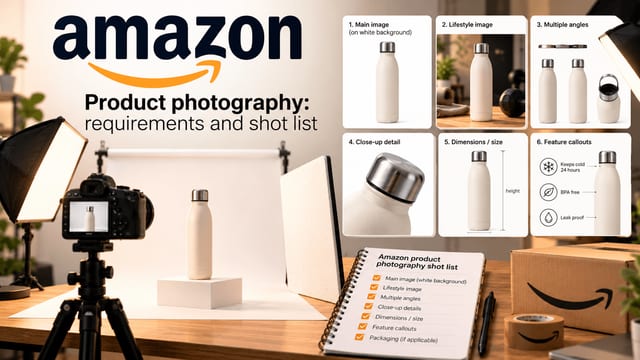
Amazon product photography: requirements and shot list
Amazon product photography requirements and a seven-shot list: white background, image sizes, how many photos you need, A+ Content, costs, and where AI helps.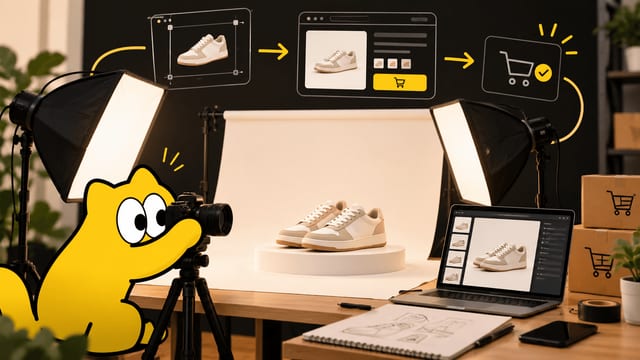
Guides15 Oct 2026
Product photography: the complete guide for online sellers
Learn product photography for online stores: shot types, Amazon and Shopify image sizes, a step-by-step home setup, real studio costs, and where AI fits in.
Guides14 Oct 2026
How to build an AI image workflow in Sloosh: your first Space
Wire a product photo, a prompt and an image model in Spacelab, test it once, then publish it as a Space anyone on your team can run from a form.
Guides14 Oct 2026
How to keep a consistent AI character in every image
Save a character, pose, background or product once as an Element, then type @ and its tag in any Studio prompt to use it again.
Guides14 Oct 2026
Sloosh MCP: make images and video from Claude, ChatGPT or Cursor
Connect your AI app to Sloosh over MCP, set a daily limit, then ask in plain words. Every paid run starts with a quote.
Guides14 Oct 2026
Sloosh Studio: an AI image and video generator in one prompt box
Studio turns one prompt into an image or a video. Pick a model, see the cost on the button, then recreate, edit, extend or upscale the result.
Guides14 Oct 2026