Guides16 Oct 20268 min read
How to use Instagram Reels for business: a seller's guide
How to use Instagram Reels for business: specs, what to post, hooks, shoppable tags, and how to produce Reels without filming every product yourself.

Key takeaways
- Reels are built for 9:16, with 1080 x 1920 pixels recommended, at least 720p, and at least 30 frames per second.
- Instagram counts a view of at least three seconds as a recommendation signal, so the hook carries the Reel.
- Product how-tos, behind-the-scenes clips, and problem-and-solution videos are the formats Shopify lists first.
- Tagging products makes a Reel shoppable, with a shopping bag icon and a View shop banner.
- AI can draft product clips from photos. Check each one against the real product before you post.
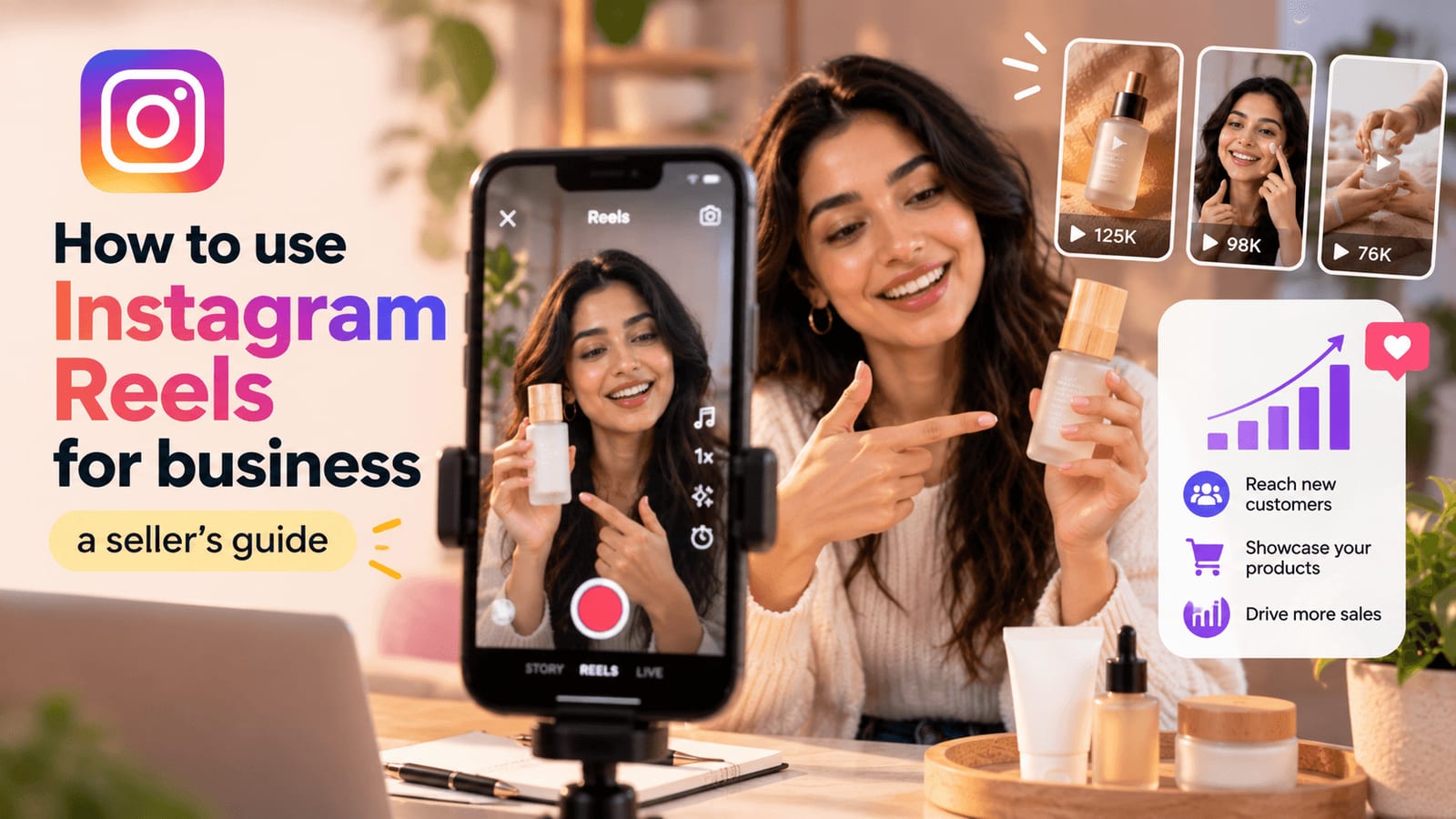
Instagram Reels for business is one of the cheapest ways to show a product moving. A customer sees it used and can tap through to buy. This guide explains how to use Instagram Reels for business: the specs, what to post, how to structure a Reel, how to make it shoppable, and how to produce enough videos without filming all of them yourself.
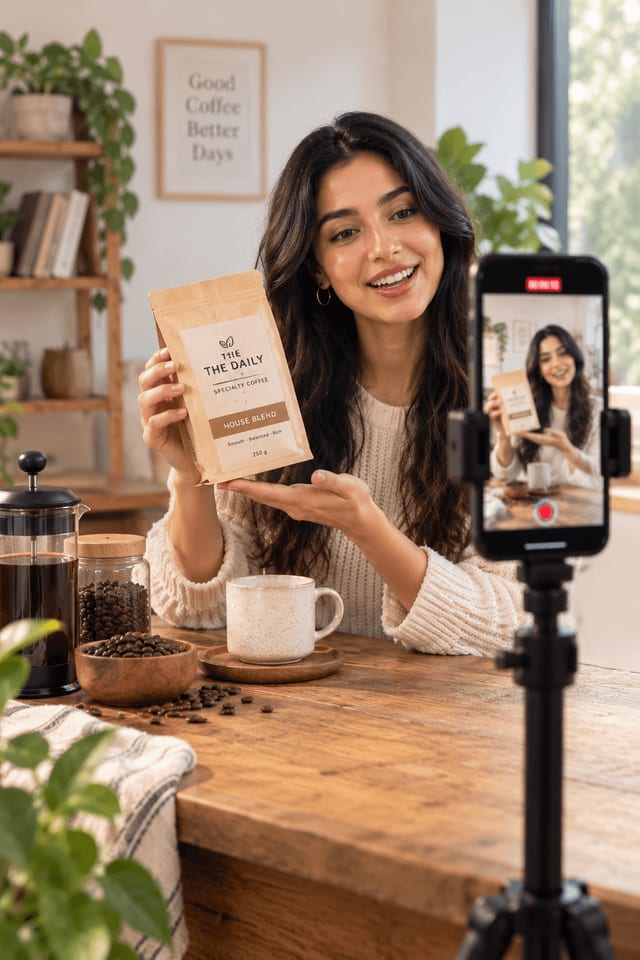
How do you use Instagram Reels for business?
To use Instagram Reels for business, post short vertical videos that show your product in use, open each one with a hook, and tag your products so viewers can shop. Start with a few formats you can repeat, such as how-tos and behind-the-scenes clips, and post on a rhythm you can keep.
Shopify's guide to Reels reports that Reels are reshared more than 4.5 billion times a day, per Meta's Q4 2024 earnings call, and that a 2026 Buffer study found Reels get 36% more reach than carousels. Those are strong signals that the format is worth the effort. They are not a promise for your account.
Pick one goal per Reel. Awareness Reels show the product and your brand. Sales Reels show one product with a clear next step. Mixing both in one clip makes it weaker.
What are the specs for Instagram Reels for business?
Instagram Reels support aspect ratios from 1.91:1 to 9:16, and 9:16 is the right fit. Hootsuite recommends 1080 x 1920 pixels, with a minimum of 720p and 30 frames per second. Length limits depend on the source, so check the app before you plan long clips.
| Spec | What the guides say |
|---|---|
| Aspect ratio | Between 1.91:1 and 9:16; 9:16 is the recommended shape |
| Resolution | 1080 x 1920 recommended; 720p minimum |
| Frame rate | 30 frames per second minimum |
| Length | Hootsuite: up to 3 minutes. Shopify: uploads up to 20 minutes, but the algorithm does not recommend videos over three minutes to non-followers |
| Cover photo | 420 x 654 pixels, or a 1:1.55 ratio (Shopify) |
Hootsuite's Reels guide, published March 17, 2026, says the limit rose from 90 seconds to 3 minutes in January 2025. Shopify's guide, published September 8, 2026, lists the longer upload cap but notes the three-minute reach limit. The safe plan is to keep business Reels under three minutes, and most should be much shorter.
A square 1:1 clip falls inside the supported range, but it fills less of the screen than a 9:16 clip. If you can, shoot or export vertical.
What should you post on Instagram Reels for business?
A business should post product how-tos, behind-the-scenes clips, problem-and-solution videos, before-and-after transformations, and customer content. Hootsuite and Shopify list these as the formats that work for brands. Pick two or three that match your product and repeat them, so your feed has a clear shape.
- Product how-to: Show one use of the product in under 30 seconds.
- Behind the scenes: Show packing orders or a day in the shop.
- Problem and solution: Open on a common annoyance, then show the product fixing it.
- Before and after: Show the change the product makes.
- Product spotlight: Show a new item or a new color.
- User-generated content: Share a customer's clip, with permission. To learn how brands turn this style into paid creative, read what UGC ads are, or browse the UGC templates.
- Teasers and announcements: Give a sneak peek of a launch.
Shopify's guide also lists inspiration and teaser content. If you are unsure where to begin, start with how-tos. They are easy to film and easy to repeat.
How do you structure a Reel that sells?
On Instagram Reels for business, a Reel that sells opens with a hook in the first three seconds, shows the product doing one thing, and ends with one clear next step. Shopify notes that Instagram counts views of at least three seconds as a recommendation signal, so the opening decides whether anyone sees the rest.
Here is a simple structure.
- Hook (0 to 3 seconds). Start with the problem or a bold line.
- Show (3 to 20 seconds). Demonstrate one use. Keep the product in frame.
- Close (last 3 seconds). Say or show one next step, such as "tap the tag to shop."
- Caption and cover. Write a short caption, and choose a clear cover frame.
Add captions on screen, so the message still works with the sound off.
On audio, Shopify advises that you make sure you have permission before using a trending sound or another creator's music or voice-over. Trending audio can help reach, but a copyright problem costs more than it earns. When in doubt, use a voice-over of your own.
How do you sell from Instagram Reels for business?
You sell from Reels by tagging products, so each Reel becomes shoppable. Shopify says shoppable Reels show a small shopping bag icon in the bottom left corner and a View shop banner at the bottom, and viewers can tap through to the product. Tagging also helps if you later turn the Reel into an ad.
To tag products, your catalog has to be connected to Instagram. Check Instagram's current rules for your account type and region, because shopping features vary.
How often should you post? Social media consultant Rachel Karten, quoted by Shopify, recommends three to five Reels a week for beginners, and says consistency matters more than volume. That is one expert's view, not a rule. Choose a cadence you can keep for months.
A Reel that many people enjoy builds the audience that later buys from your shop, so do not judge every clip by direct sales alone.
How do you make Instagram Reels for business without filming everything?
You can make more Reels by turning the product photos you already have into short clips with AI tools, and by filming a small batch of real footage to mix in. Real footage keeps your account honest. AI clips fill the gaps and let you test hooks fast.
Sloosh is an AI creative studio for images and video, and it is in beta. Several of its Spaces suit Reels. A Space is a ready-made workflow behind a short form.
- AI UGC Video Ad Creator: Turns 1 to 8 product photos and a creator portrait into a video of 4 to 15 seconds, in one of three aspect ratios, including vertical 9:16. The page says to upload only photos of products and people you have rights to use.
- Phone Photo to Studio Product Video: Turns a phone photo into a studio image and a 5-second square turntable clip. The page warns that it invents sides the photo does not show, so the back of the product may be inaccurate.
Browse the product video templates for more starting points, or read how Studio makes an AI image and video in one prompt box if you want to build a clip from scratch. Sloosh shows the credit cost before each run, and new accounts get 20 starter credits once. For a wider look at tools that cover images, video, and ads, see AI tools for ecommerce.
Two cautions apply. Check every clip against the real product before you post. And do not use a synthetic person to give a first-person review that nobody lived, because testimonial rules still apply to what the video says.
What mistakes hurt Instagram Reels for business?
The most common mistakes in Instagram Reels for business are a weak opening, long clips, unlicensed music, low-resolution video, and missing product tags. Each one cuts reach or sales, and all are easy to fix once you know them. Check each Reel against this list before you post it.
- Slow opening. If nothing happens in three seconds, viewers scroll.
- Too long. Keep clips short, and stay under the three-minute reach limit.
- Music without permission. Confirm rights before you use a sound.
- Low quality. Shoot at 1080 x 1920 and avoid heavy compression.
- No tags. Without product tags, the Reel cannot send anyone to your shop.
- Posting once, then stopping. A steady rhythm beats a burst followed by silence.
Review your Instagram Reels for business every few weeks. Keep the formats that held viewers and drop the ones that did not.
What should you do first?
To start with Instagram Reels for business, pick one product and one how-to Reel. Film it vertically on your phone in window light, open with the problem, show the product doing one thing, and tag it. Post it, then make two more with different hooks and compare how they do.
If you want to test more hooks without more shoots, Sign up for Sloosh and run a product photo through one of the video Spaces. Check the credit cost before you run, and compare the clip with the real product before you post. See the pricing page for plans.
Questions
- What size should an Instagram Reel be?
- Aim for 9:16 at 1080 x 1920 pixels. Instagram supports ratios from 1.91:1 to 9:16, with a minimum of 720p and 30 frames per second, according to Hootsuite and Shopify. Vertical fills the whole screen, so it is the right choice for business content.
- How long can an Instagram Reel be?
- Hootsuite says up to 3 minutes, raised from 90 seconds in January 2025. Shopify says uploads can run up to 20 minutes, but the algorithm does not recommend videos over three minutes to non-followers. For business, keep Reels well under three minutes.
- How often should a business post Reels?
- Consultant Rachel Karten, quoted by Shopify, suggests three to five a week for beginners, and says consistency matters more than volume. That is one expert's advice, not a rule. Pick a schedule you can keep, and review results every few weeks.
- Can I sell products directly from Reels?
- Yes, by tagging products. Shopify says shoppable Reels show a shopping bag icon and a View shop banner, and viewers can tap through to the product. You need your catalog connected, and features vary by account type and region, so check Instagram's current rules.
- Can I use trending music in business Reels?
- Shopify says trending audio can help your Reel reach more people, but you should make sure you have permission before using another creator's music or voice-over. If you are unsure, use a voice-over of your own or skip trending sounds.
- Can AI make Reels for my products?
- AI tools can turn product photos into short clips. Sloosh's video Spaces are one option, and it shows the credit cost before each run. Check every clip against the real product, and keep any spoken claims to facts about the product.
Try it in Sloosh
Open the space from this post and run it on your own product.