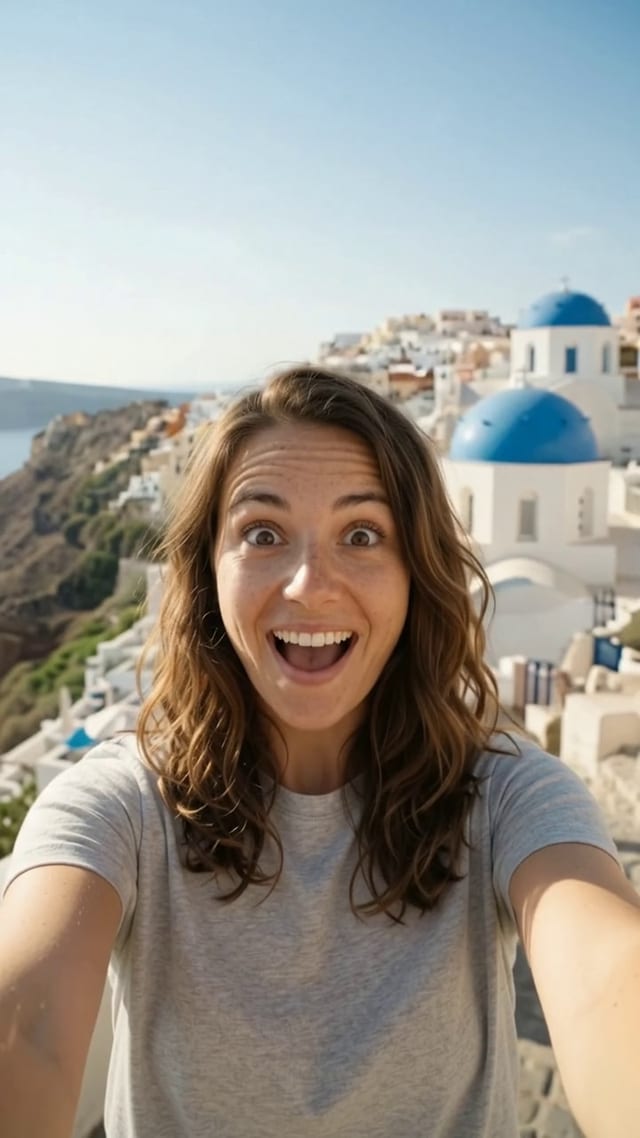
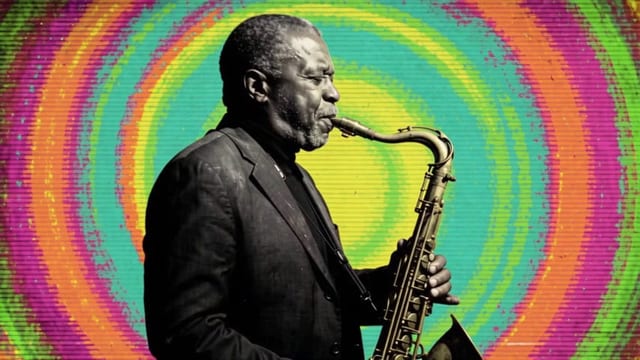
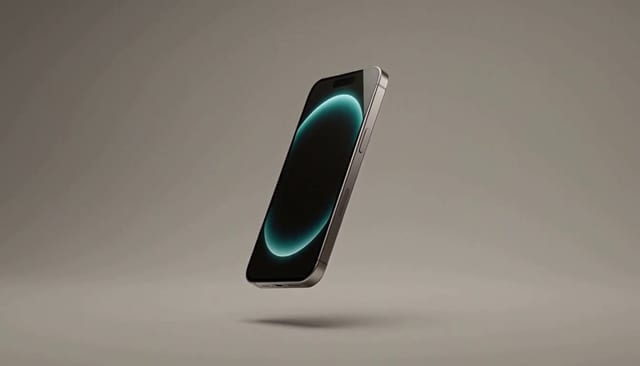
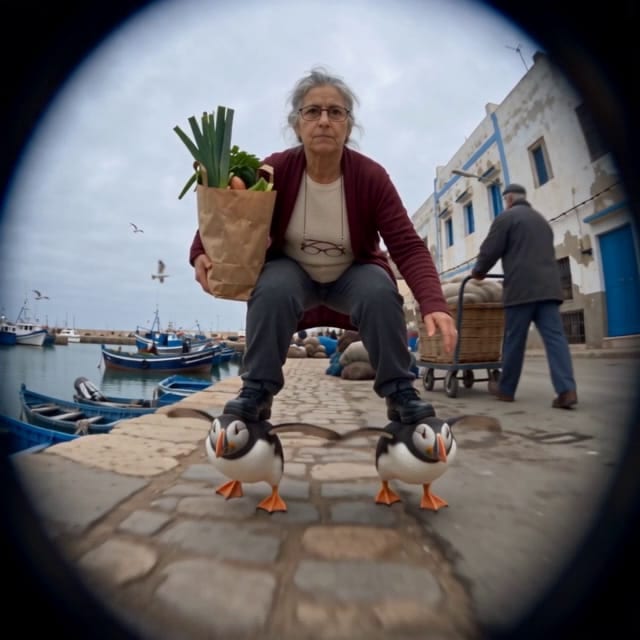
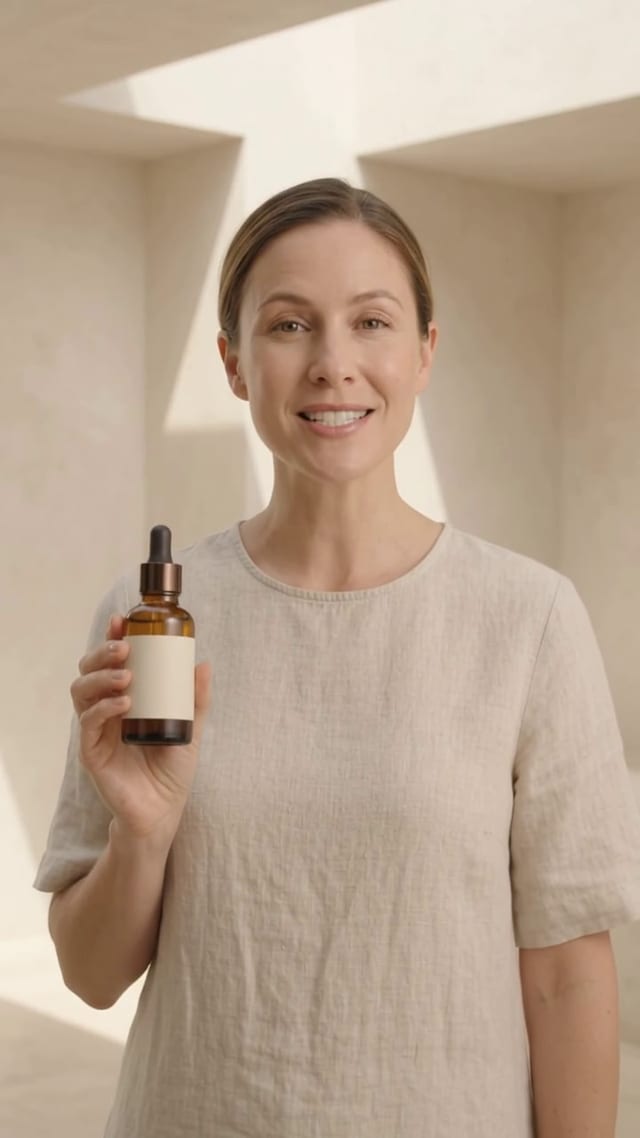
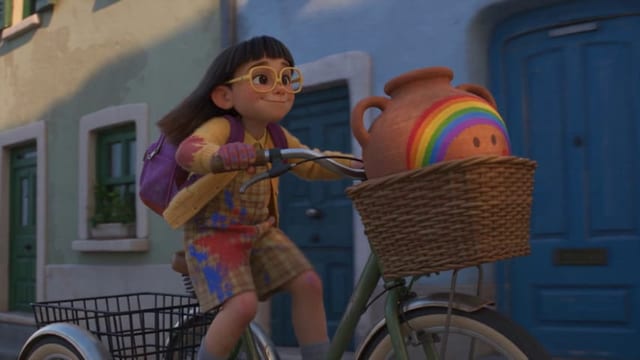
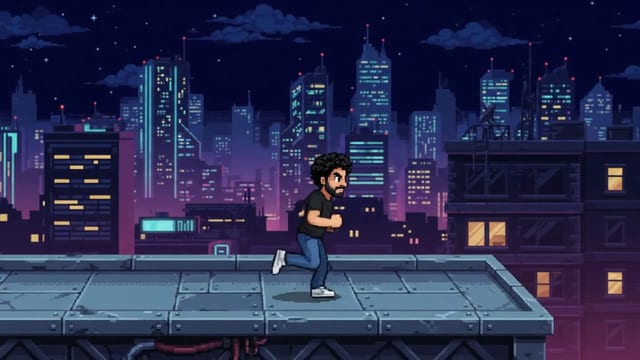
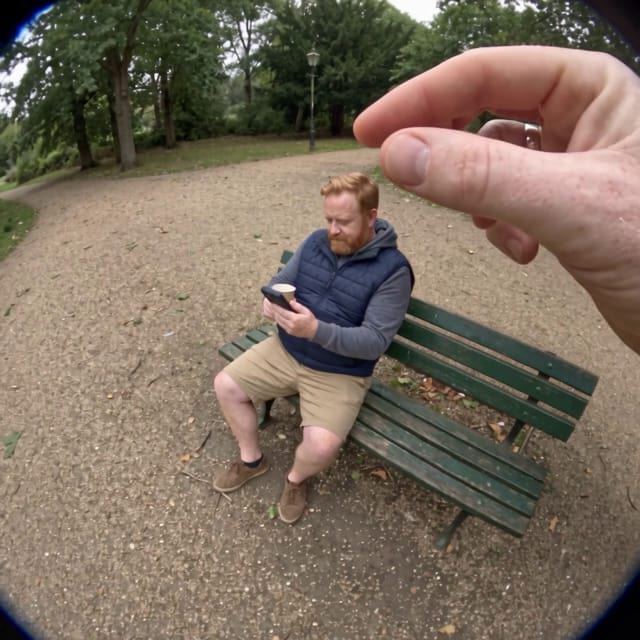
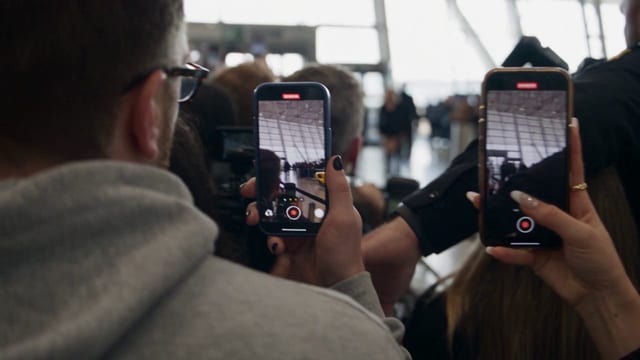
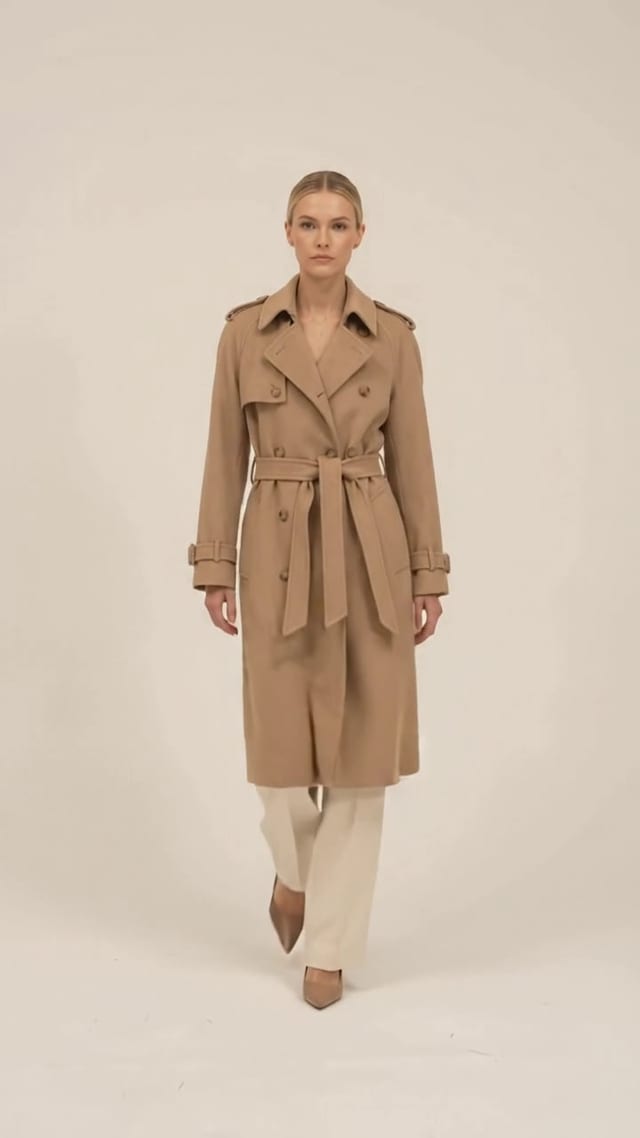
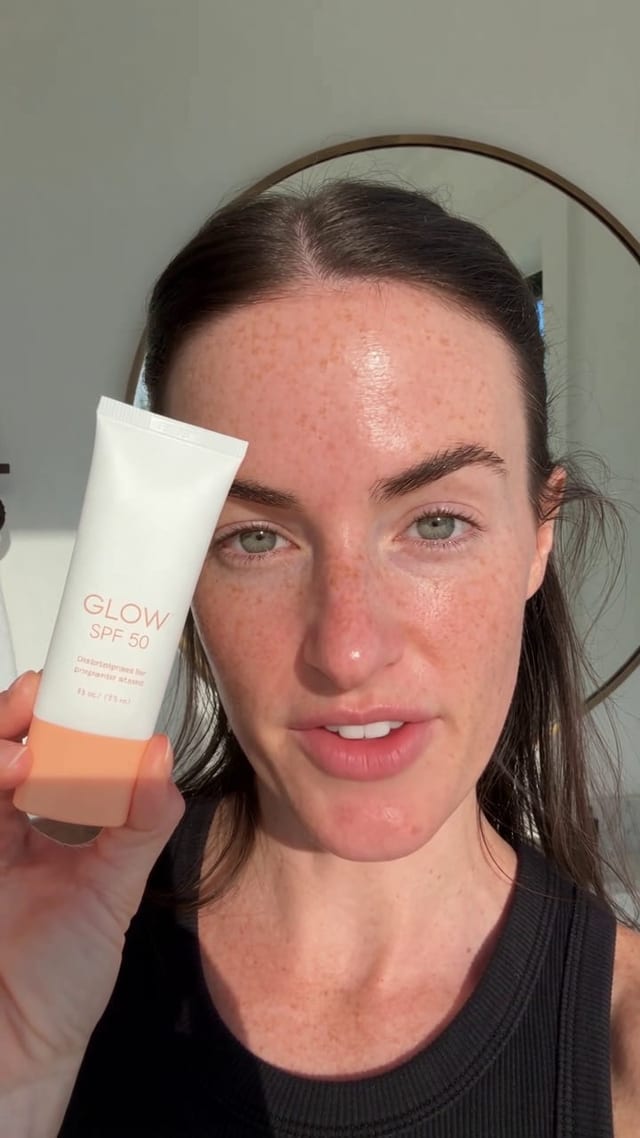
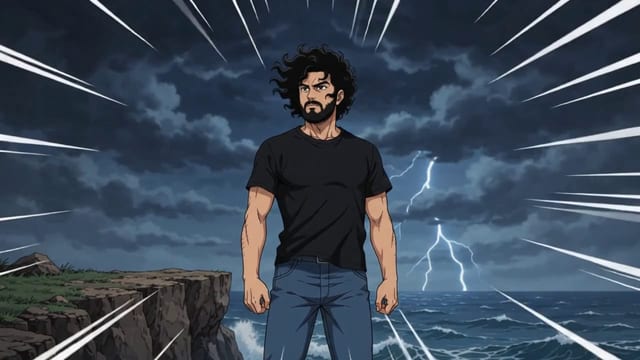
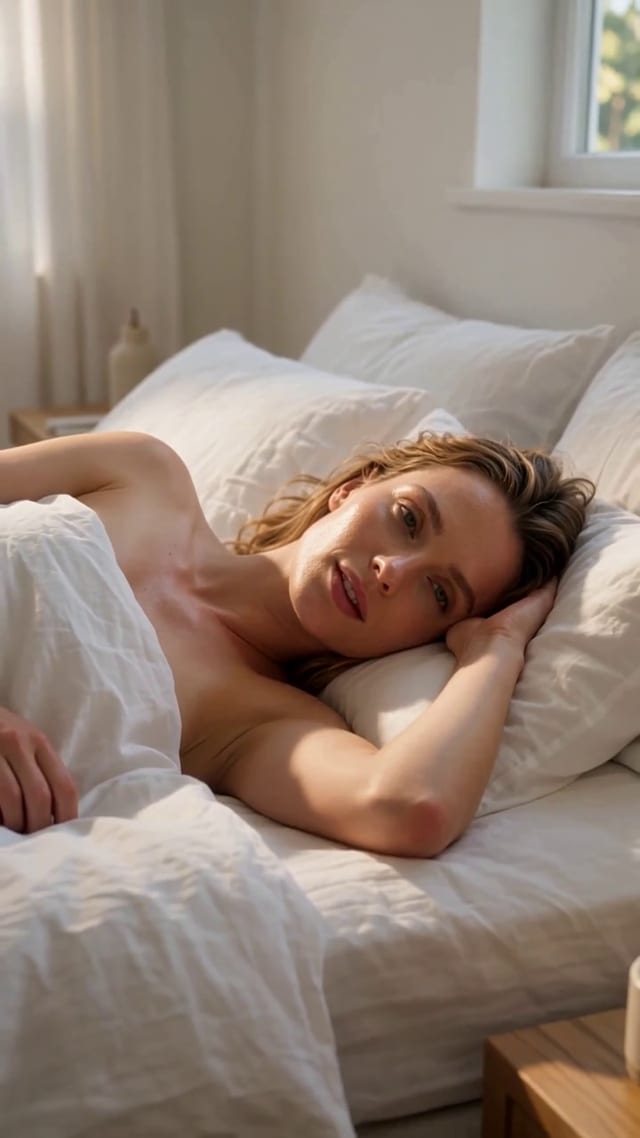
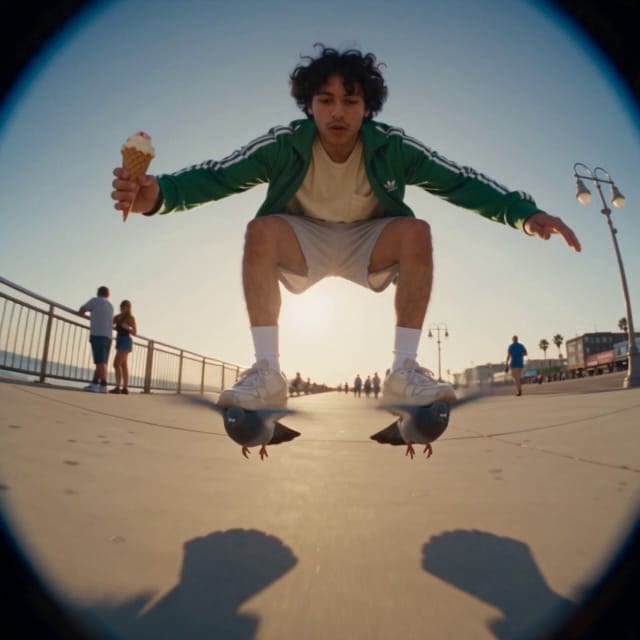
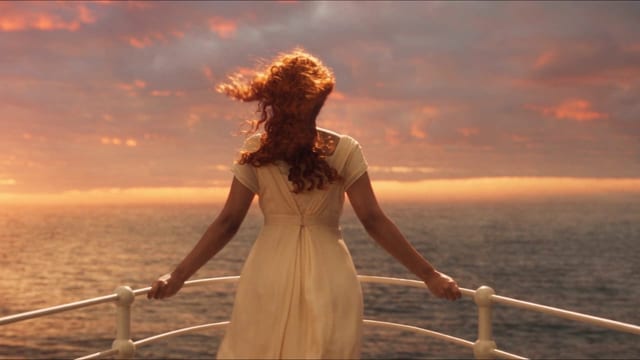
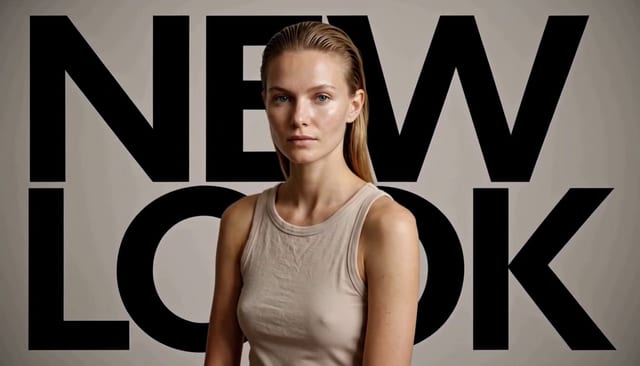
Write a prompt, or start from an image, pick a model and generate. Models that take an end frame let you set where the clip lands, and some take reference videos and audio too. The Templates tab has ready-made videos you can recreate with your own inputs, and Reuse puts a past prompt and its settings back in the composer.
What people make with it
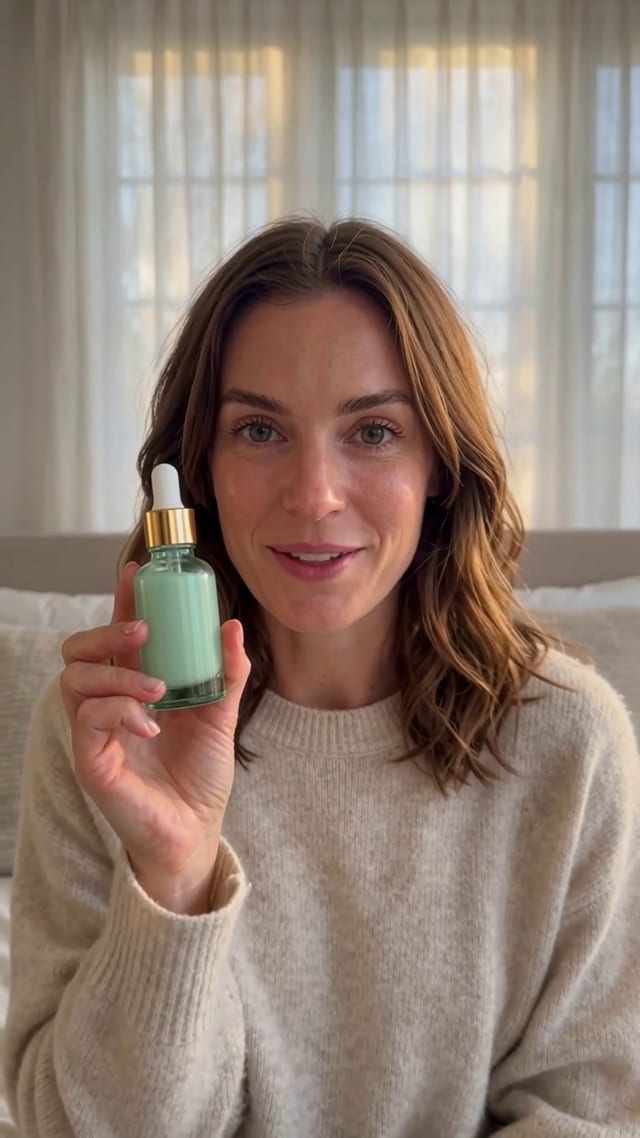
- UGC product demo: Turn product photos and steps into a UGC-style how-it-works video with captions.
- Footwear lifestyle reels: Upload shoe photos and get vertical lifestyle reels for TikTok and Instagram ads.
- Stop-motion unboxing: A product photo becomes an 8-second handmade stop-motion clip with an opening box.
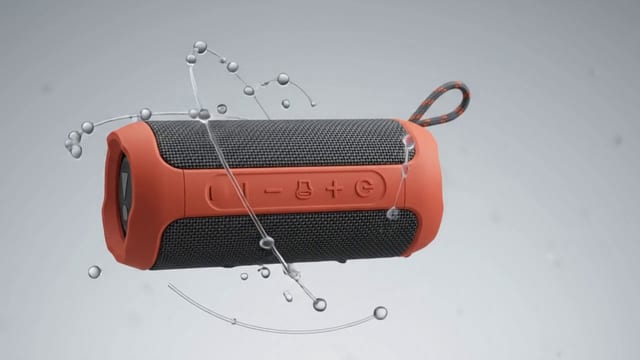
- Feature callout orbit: The camera orbits your product for 8 seconds and calls out three features you type in.
- Splash pour: A slow-motion clip of your can or bottle plunging into a dramatic splash.
Frequently asked questions
Which video models can I use?
The ones listed above. You pick one in the composer, and the list follows what Studio offers today.
Can I make a video from an image?
Yes. Add a start frame, and an end frame on models that take one. Which inputs you can add depends on the model.
What does it cost?
Each model and setting has its own credit price, and Studio shows it before you generate. A new workspace starts with 20 free credits. After that you pick a plan: Creator, Pro or Max. There is no free plan. Video prices depend on the model, the length and the other settings you pick.
Do I need an account?
You can open the studio and browse templates without an account. Generate asks you to sign up first, and your prompt and settings are there when you come back.