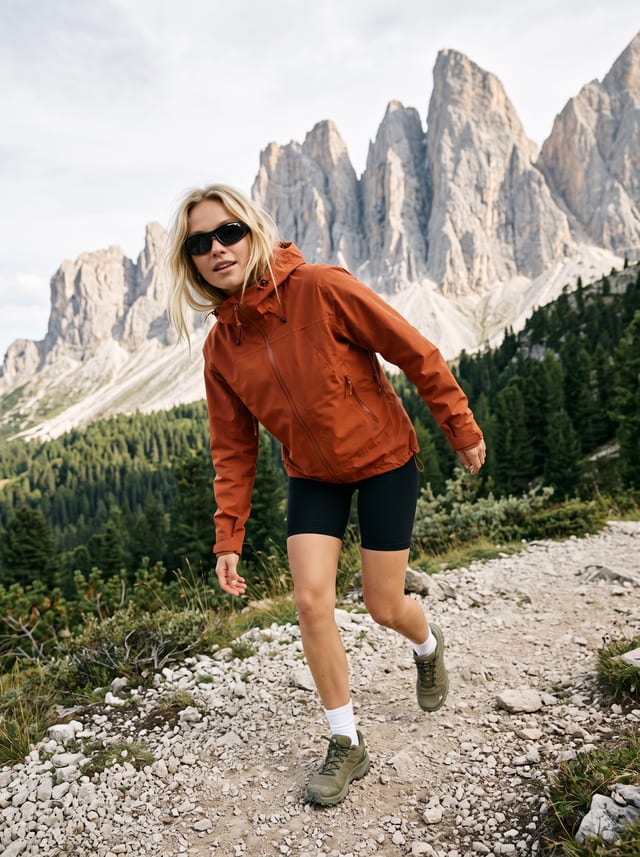
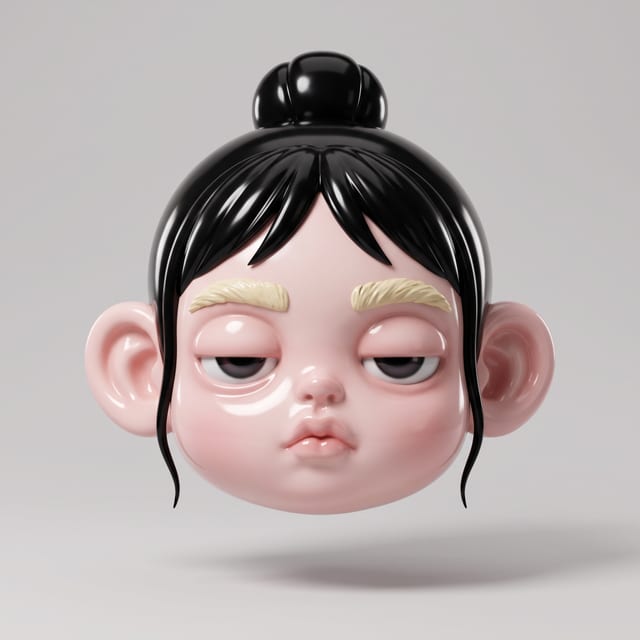
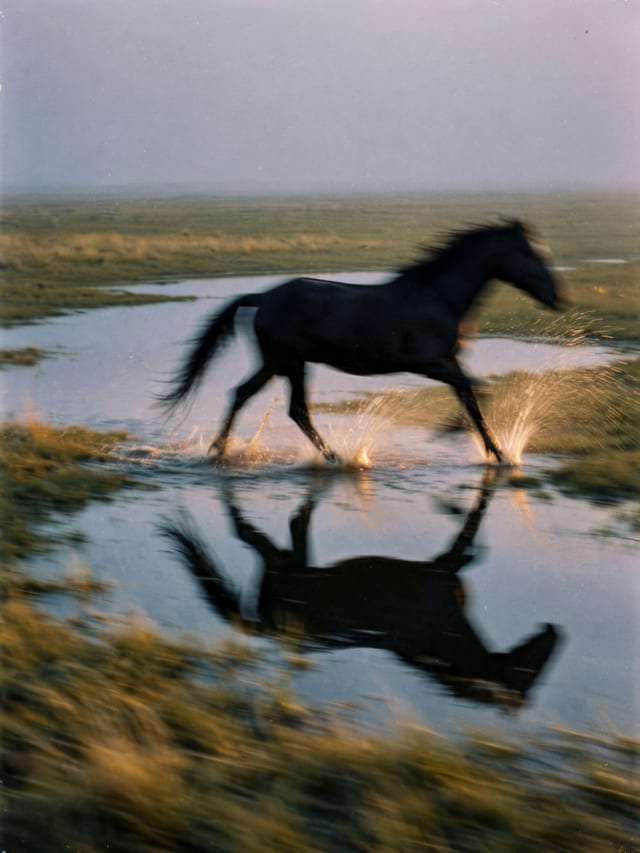
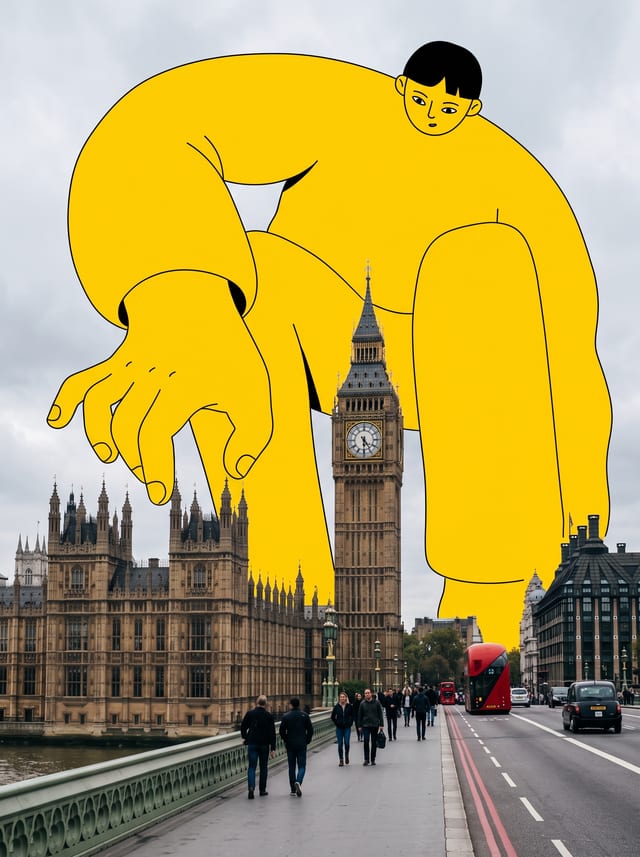
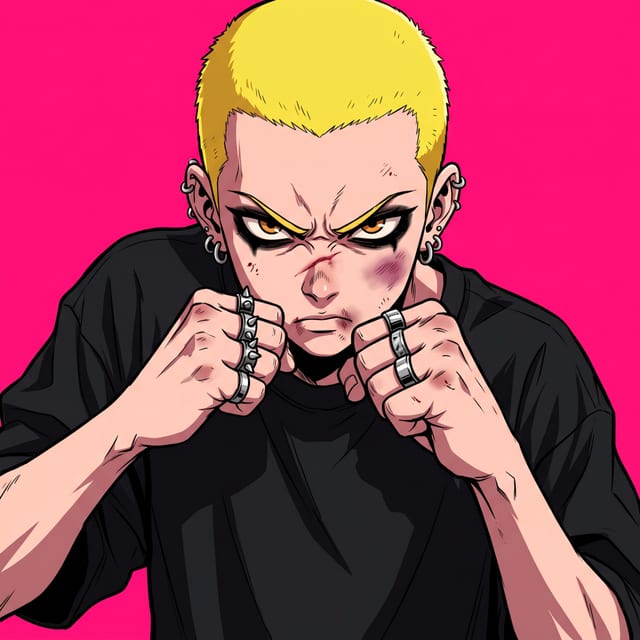
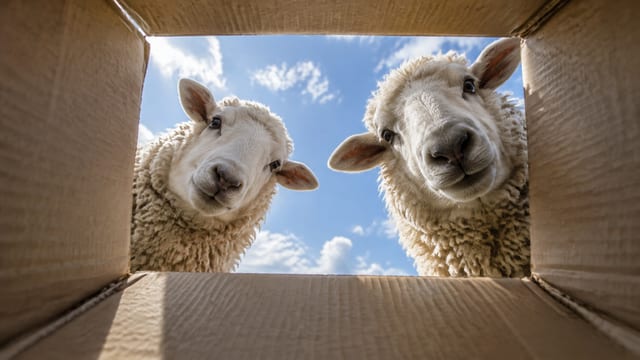
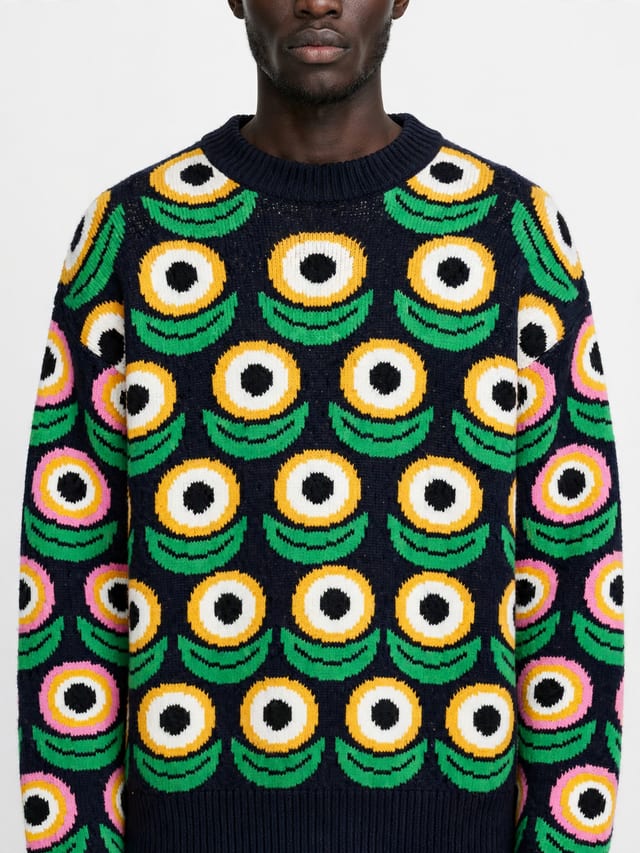
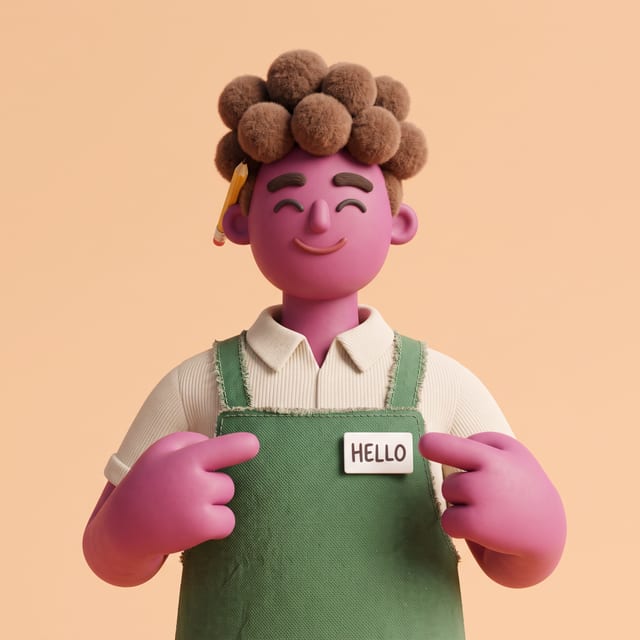
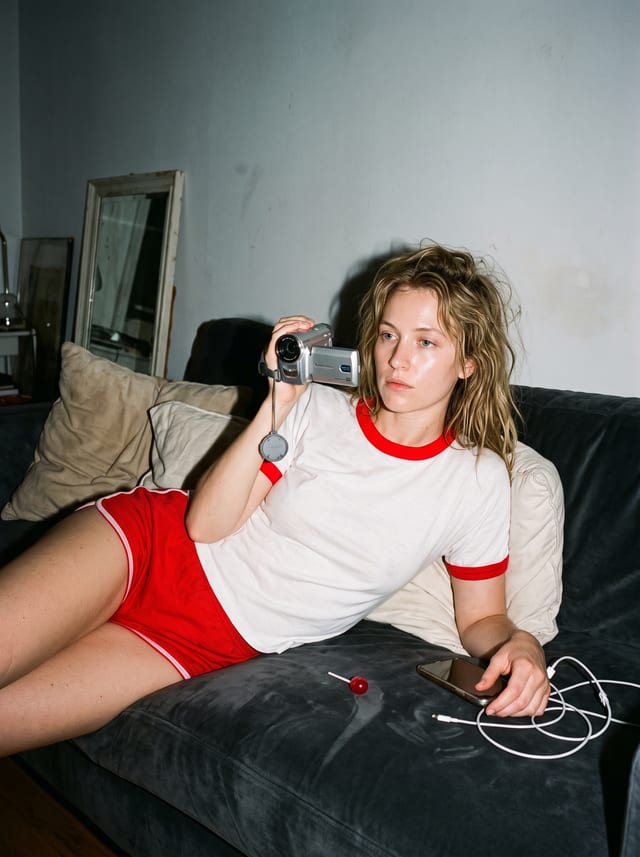
Write a prompt, add reference photos if you have them, pick a model and generate. If you would rather not start from a blank box, open the Templates tab, choose one you like and recreate it with your own inputs. Your generations stay in the studio, and Reuse puts a past prompt and its settings back in the composer.
What people make with it
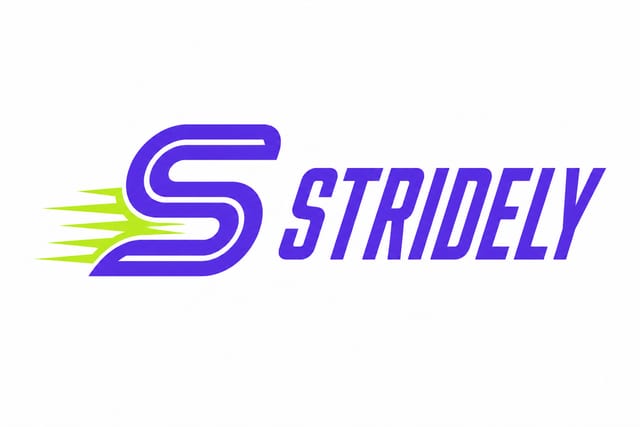
- Logo from a brief: Give a brand name, a short description and a style. You get a hero logo and matching variations.
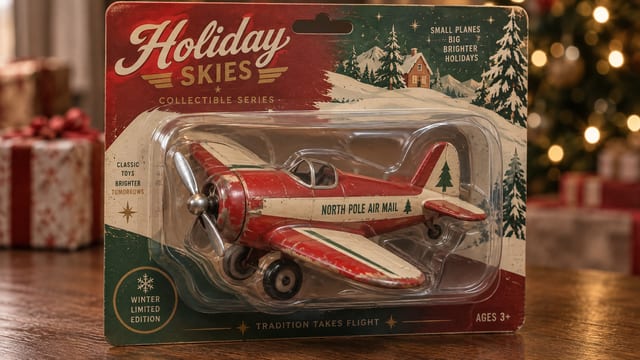
- Packaging mockups: Upload flat label or box artwork and see it on realistic packaging formats.
- Merch mockups: Turn a logo into mockups of merchandise for your store.
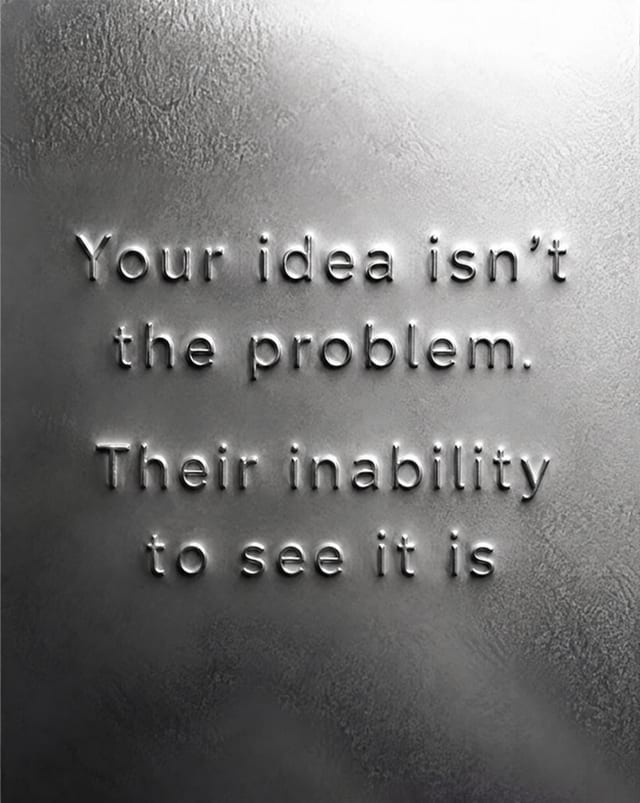
- Before and after ads: Make split-screen before and after ads for a product.
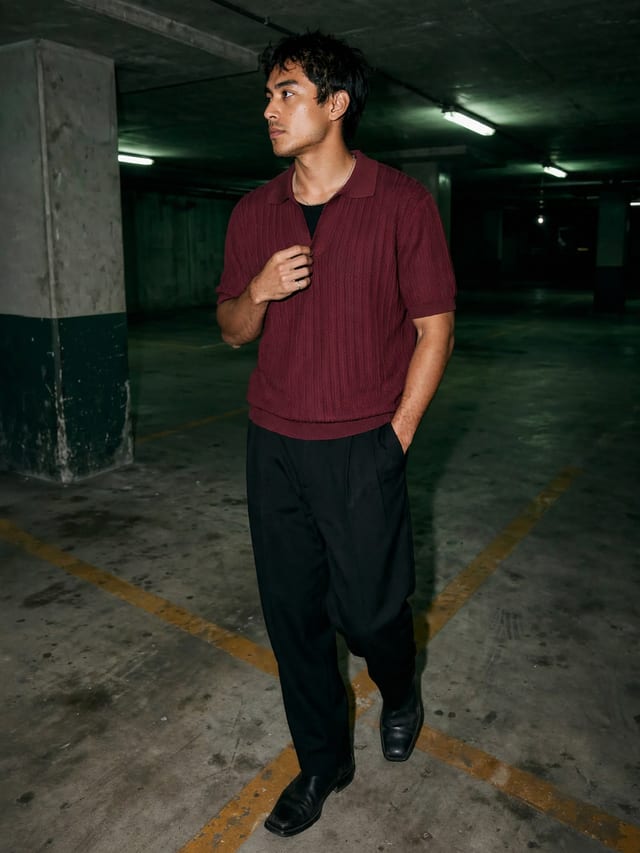
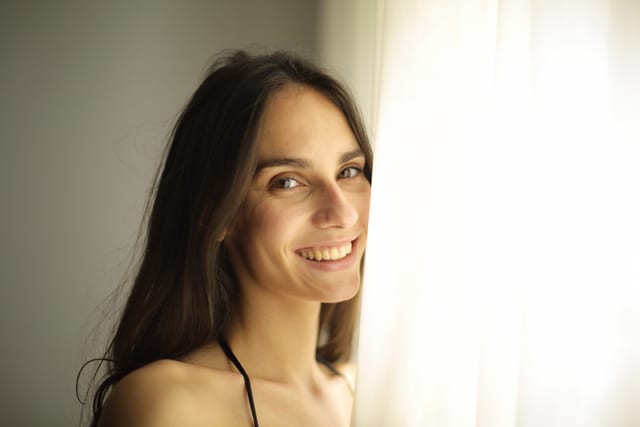
- Photo set from one photo: Upload a photo of a person and get the same person in new poses and angles, outfit kept.
Frequently asked questions
Which image models can I use?
The ones listed above. You pick one in the composer, and the list follows what Studio offers today.
Can I start from a reference photo?
Yes. Add reference images in the composer. How many a model takes depends on the model.
What does it cost?
Each model and setting has its own credit price, and Studio shows it before you generate. A new workspace starts with 20 free credits. After that you pick a plan: Creator, Pro or Max. There is no free plan.
Do I need an account?
You can open the studio and browse templates without an account. Generate asks you to sign up first, and your prompt and settings are there when you come back.