Beauty · Intermediate · 5 min
One polish, every shade
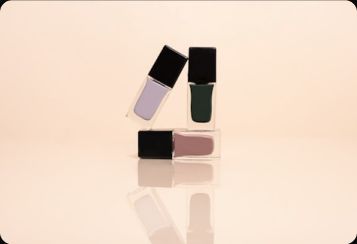
A full shade range from one product photo.
Start a new canvas
Open Spacelab to get an empty canvas. You will add 6 nodes and 5 wires.
Start a new canvas
Open Spacelab to get an empty canvas. You will add 6 nodes and 5 wires.
Add Text Input: Brief
Plain text with no variables.
Add Any LLM: Shade list
A text model. Wire Brief into it.
Add Text Iterator
A list of text values. Wire Shade list into it.
Add Image Model: Product shot
Makes an image from a prompt and, optionally, reference images. Wire Text Iterator into it.
Add Bundle
Collects the results of an iterator back into one set, which you can wire into a port that takes several images. Wire Product shot into it.
Add Download
Wire images and videos into it and it gives you a download button on the canvas. Wire Bundle into it.
Press Run
Press Run. Each node waits for its inputs, then runs and shows its status.
Check the result
A full shade range from one product photo.
Your turn
Run it again, move the nodes around and try a wrong wire: the canvas only connects ports that fit. It is your canvas now.